


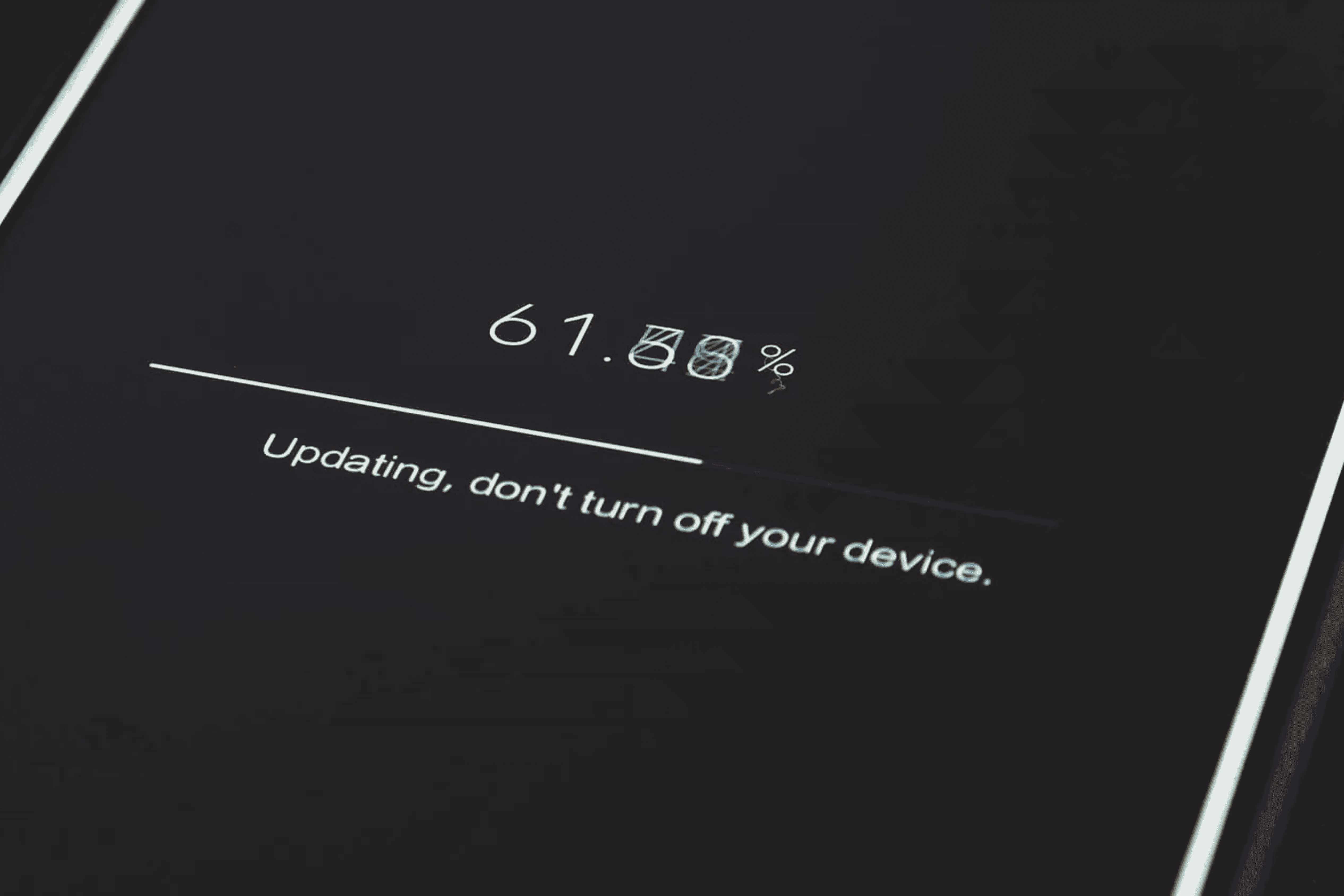
Mobile phones are powerful, but they’re not perfect. Many users face software glitches that slow down their experience, drain battery life, or interrupt daily usage. If you’ve ever dealt with random app crashes, frozen screens, or unexpected restarts, you’re not alone. This guide explains the most common mobile phone software problems solutions in a simple and practical way so anyone can fix these issues at home without stress.
Let’s break down the top problems and how to solve them quickly.
1. Phone Running Slow
A slow phone is one of the most common software complaints. Over time, devices become overloaded with apps, cached files, and system clutter.
Best Solutions
- Restart your phone once a day.
- Clear app cache regularly.
- Uninstall apps you don’t use.
- Update your phone to the latest software version.
- Keep storage at least 15–20% free.
2. Apps Crashing Frequently
If your apps close suddenly or fail to open, it’s often because of corrupted data or outdated versions.
Best Solutions
- Update the app to the latest version.
- Clear app data and cache.
- Check if your OS is compatible with the app update.
- Reinstall the app if the issue continues.
3. Battery Drains Too Fast
Software bugs, background apps, and heavy usage can cause battery drain.
Best Solutions
- Turn off unused connectivity like Bluetooth, Wi-Fi, GPS, and Hotspot.
- Disable background activity for heavy apps like Instagram, Maps, etc.
- Use battery saver mode.
- Update your apps and OS for better optimization.
- Reduce screen brightness and enable adaptive brightness.
4. Device Overheating
Overheating is usually linked to software processes running endlessly in the background.
Best Solutions
- Close all background apps frequently.
- Avoid heavy gaming or video editing for long durations.
- Update buggy apps causing CPU overload.
- Remove the case while charging if heat increases.
- Reset settings if overheating continues.
5. Wi-Fi or Mobile Data Not Working
Connectivity issues often occur due to wrong configurations or temporary software bugs.
Best Solutions
- Toggle Airplane Mode on and off.
- Restart the router or your phone.
- Reset network settings.
- Forget and reconnect to the Wi-Fi network.
- Update your device software.
6. Phone Freezing or Hanging
If your phone freezes on certain screens or apps, unstable software is usually the cause.
Best Solutions
- Force restart your device.
- Clear cache partition (Android).
- Free up storage space.
- Remove recently installed suspicious apps.
- Update system firmware.
7. Touchscreen Not Responding
This problem may seem like hardware damage, but often it's caused by software glitches.
Best Solutions
- Remove the screen guard and test again.
- Restart the device.
- Boot in safe/recovery mode to check if third-party apps are causing issues.
- Update your software for improved touch response.
- Factory reset if the issue persists.
8. Notifications Not Working
Missing important alerts? Notification failures usually happen due to disabled settings or OS bugs.
Best Solutions
- Enable app notification permissions.
- Turn off battery optimization for messaging apps.
- Keep internet connection active in the background.
- Update apps frequently.
- Reset app preferences.
9. Storage Full Even After Deleting Files
This is a common frustration caused by cached files, hidden folders, or system updates.
Best Solutions
- Use storage management settings to clear temporary junk.
- Delete WhatsApp media backups.
- Remove duplicate files using built-in cleaner tools.
- Clear “other” or “miscellaneous” files manually.
- Upload photos/videos to cloud storage.
10. Automatic Restarts or Boot Loops
Boot loop issues often happen due to corrupted firmware, incompatible apps, or improper updates.
Best Solutions
- Remove newly installed apps.
- Update or reinstall system software.
- Boot into safe mode to identify faulty apps.
- Backup and factory reset your phone if nothing works.
- Visit a professional repair center if the phone still fails.
Why These Mobile Software Issues Happen
Even though smartphones are advanced, they rely heavily on software stability. A third-person perspective shows that most problems arise from:
- Users installing too many apps without checking compatibility
- Ignoring system updates
- Low storage and high background usage
- Malware or harmful third-party applications
- Long-term use without maintenance resets
Interestingly, experts note that 80% of software issues can be fixed without hardware intervention, making it essential for users to understand basic troubleshooting.
Quick Preventive Tips to Avoid Software Problems
- Restart your phone every 24 - 48 hours
- Keep your apps and OS updated
- Avoid installing apps from unknown sources
- Maintain enough free storage
- Use antivirus for additional safety
- Reset settings once every few months for fresh optimization
FAQ Section
- 1. Why does my phone lag even after clearing storage?
- Because background apps and outdated software may still overload the system. Update your OS and restart the device to refresh performance.
- 2. Should I always update my system software?
- Yes. System updates fix bugs, improve security, and enhance speed.
- 3. Why do apps keep crashing on Android/iPhone?
- App crashes occur due to corrupted cache, outdated versions, or incompatibility with the latest OS.
- 4. Is factory reset safe?
- Yes, as long as you back up your data. Factory reset removes software errors and restores smooth functioning.
- 5. Can software issues damage my battery?
- Indirectly, yes. Buggy apps and background processes can overheat the device and reduce battery health.
- 6. When should I seek professional help?
- If your device is stuck in boot loops, restarts continuously, or lags heavily even after a reset, it’s time to get expert repair assistance.
Conclusion
Understanding these mobile phone software problems solutions helps users fix most issues at home without stress. Simple actions like clearing cache, updating apps, freeing storage, and restarting the device regularly can greatly improve performance. But if the software problems continue even after troubleshooting, it’s best to get help from a trusted service center.
For reliable and professional repairs,GoFix offers expert mobile diagnostics and solutions that quickly restore your device’s performance. Whether it’s a software glitch or a deeper issue,GoFix ensures fast, safe, and dependable support so your phone works like new again.